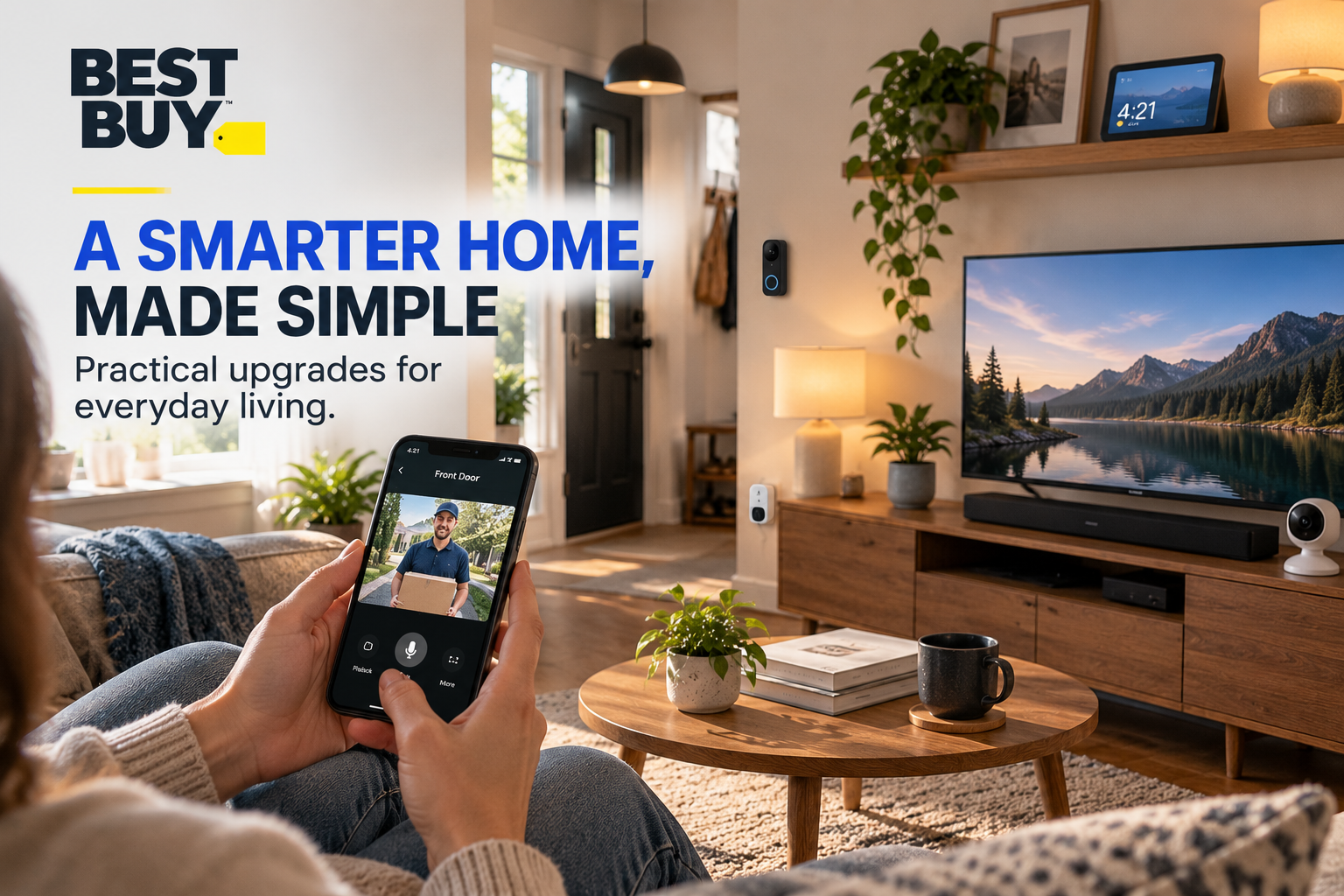
A smart home does not need to look futuristic. It can be as simple as switching off lights from your phone, checking who is at the front door, or setting a lamp to turn on at sunset. The best upgrades solve everyday problems without making life more complicated. If you are exploring connected devices, Best Buy offers different smart-home products to help you find options that suit your household.
What Does a Smart Home Actually Mean?
A smart home uses connected devices to control or automate everyday tasks. Depending on your setup, you might control lights through an app, use voice commands to play music, or receive notifications when someone approaches your door. Exploring Best Buy can help you understand the available options before deciding which features you actually need.
You do not have to automate your entire house at once. Start with a smart bulb or plug, then add devices as your needs change. The goal is to make your routine easier, not fill your home with technology you rarely use.
Start With a Purpose, Not a Shopping List
Before shopping, identify small problems you would like to solve. Perhaps you regularly leave lights on, miss the doorbell while working, or want a convenient way to check your entrance. Use these needs to guide your research at Best Buy.
Also consider your household, budget, internet access, and living arrangements. Renters may prefer portable devices that require little installation, while homeowners may have more flexibility. Choose products that fit your circumstances rather than buying everything at once.
Choose Your Smart-Home Platform First
Smart devices do not all work together automatically. Some rely on particular apps, voice assistants, hubs, or connectivity standards. Before buying through Best Buy, check whether each product supports the platform you plan to use.
Understand the Main Smart-Home Ecosystems
Popular options include Apple Home, Google Home, and Amazon Alexa. Your choice may depend on the phones, speakers, and other devices you already own.
Another term you may encounter is Matter, a standard designed to improve compatibility between supported smart-home devices. However, not every feature works identically across platforms, so check the specifications and compatibility details when comparing products at Best Buy.
Keep the Number of Apps Under Control
Managing several apps can make a smart home feel more complicated than necessary. Look for devices that work with your preferred platform and check whether essential features require a separate manufacturer app. Reviewing the software requirements of products at Best Buy can help you build a simpler setup.
Upgrade Your Lighting First
Smart lighting is a practical starting point because it can improve convenience without major changes to your home. Depending on the product, you can schedule lights, adjust brightness, or control them through an app. Compare options at Best Buy, checking bulb types, dimmer compatibility, and installation requirements.
Create Useful Lighting Routines
You could schedule hallway lights to turn on in the evening, dim the living room for movie nights, or create a morning lighting routine. Motion-triggered lighting is another option with compatible equipment.
Before purchasing smart bulbs or switches from Best Buy, consider how you currently use your lights. Some smart bulbs need the wall switch to remain on, while smart switches may require particular wiring. Follow the manufacturer’s installation and safety guidance.
Make Ordinary Appliances Smarter With Smart Plugs
Smart plugs allow you to control certain connected appliances through an app or compatible smart-home platform. They can be useful for scheduling lamps or switching suitable devices on and off remotely. Check the electrical rating, outlet compatibility, and features before buying from Best Buy.
However, smart plugs are not suitable for every appliance. Devices that need continuous power or have high electrical loads may not work as expected when power is interrupted. Always check the appliance’s instructions and never exceed the plug’s rated capacity.
Improve Entryway Awareness With Smart Doorbells
A smart doorbell can let you see or speak with visitors through a compatible phone or display. Depending on the model, it may also offer motion notifications and recorded video. When comparing products at Best Buy, check:
- Whether it uses batteries or existing wiring.
- Wi-Fi coverage near your entrance.
- Video storage and subscription requirements.
- Mounting options and weather suitability.
If you rent or share an entrance with others, confirm installation permissions first. Consider neighbours’ and visitors’ privacy when positioning a camera.
Add Smart Cameras With Privacy in Mind
Smart cameras can help you monitor selected areas of your home, with features such as night vision, motion alerts, and two-way audio varying by model. Compare image quality, storage options, and ongoing costs when exploring cameras at Best Buy.
Think carefully about where cameras are placed. Avoid private areas, explain their use to household members, and secure your accounts with strong passwords. Review the manufacturer’s privacy settings and recording controls before choosing a device.
Consider Smart Locks and Home Access
Depending on the model, smart locks may support keypad codes, app-based control, temporary access permissions, or automatic locking. Before comparing options at Best Buy, check whether the lock fits your door and how it operates if the batteries run low or the network becomes unavailable.
Security should come first. Review authentication methods, software updates, installation instructions, and backup entry options. Make sure everyone in your household understands how to operate the lock safely.
Do Not Forget Your Wi-Fi Network
A weak network can cause smart devices to disconnect or respond slowly. Before buying networking equipment at Best Buy, check signal strength where your devices will be installed and try moving your router to a more open, central location.
For larger homes, a mesh Wi-Fi system may improve coverage. A wired connection may also help certain stationary devices. The right solution depends on your home layout, internet service, and device requirements, so identify the problem before spending money.
Use Smart Speakers and Displays Carefully
Smart speakers can provide voice control for compatible lights, plugs, music, and routines. Smart displays may also offer video calls or supported camera feeds. Compare platform compatibility, sound quality, microphone controls, and useful features when browsing Best Buy.
Keep manual controls available for important devices in case your network or voice assistant stops working. Review microphone settings and privacy controls, too. Voice control should make your home more convenient without removing your ability to manage devices directly.
Protect Your Smart Home and Personal Information
Connected devices can collect information about your activities, so good security habits matter. Before purchasing products at Best Buy, review the manufacturer’s privacy information and available security features.
- Use strong, unique passwords.
- Enable multifactor authentication where available.
- Install software updates regularly.
- Limit account access to trusted people.
- Review camera recordings, permissions, and data-retention settings.
These simple steps can help you manage your connected devices more responsibly.
Plan a Smart-Home Budget That Makes Sense
Smart-home costs can increase when you add hubs, accessories, subscriptions, and installation. Start with one useful upgrade and compare prices at Best Buy before expanding your setup.
Remember to account for ongoing expenses. Some products offer essential features without a subscription, while others charge for services such as extended video storage. Check what is included and calculate the total cost before buying.
A Simple Smart-Home Setup for Beginners
If you are starting from scratch, begin with one or two devices that solve clear problems. A smart bulb and compatible plug can introduce you to app control and scheduling without major installation work. Compare beginner-friendly options at Best Buy.
Once your first devices work reliably, consider adding a smart doorbell, speaker, or networking upgrade if needed. Test each new device before creating more complex routines. Building gradually makes troubleshooting easier and helps you avoid incompatible purchases.
Make Technology Work for You
A smart home is not defined by the number of devices you own. It is about making everyday tasks easier while keeping your home comfortable, secure, and manageable. Lighting, plugs, cameras, locks, speakers, and networking products each offer different benefits, so choose what genuinely suits your routine.
Start small, check compatibility, protect your accounts, and keep your budget realistic. Explore Best Buy when you are ready to compare products, and add new devices only when there is a clear reason. With thoughtful planning, you can create a smart home that is practical and genuinely useful.